If you travel for work, you’ve probably dealt with this.
The scattered emails, hotel confirmations, and last-minute scrambles that made me build something better.
There had to be a better way to handle work travel
For a long time, I didn’t really think about travel as a problem.
Early on, when I started traveling for work, everything was handled for me. Flights were booked, hotels were set, someone always knew where we needed to be and when. You just showed up. There was a plan, even if you didn’t see it, and everything felt taken care of.
And honestly, that was the best version of travel.
At some point, though, that responsibility shifts.
When I moved into a new role, I became the one responsible for all of it. Booking travel, tracking conference details, figuring out schedules, making sure everything lined up. Not just for myself, but sometimes for a group. And that’s when I started to notice something.
There wasn’t a clean system for any of it.
Everything technically existed. The confirmations were there, the agendas were there, the hotel info was there. But none of it lived in one place. Some of it was in email, some of it in calendar, some in PDFs, some in messages. You could always find what you needed… it just took effort every single time.
At one point, we tried to solve it the best way we knew how. A team member would print everything out, scan it into a PDF, send it to me, and even hand me a manila folder with all the documents inside. On paper, that sounds organized. In reality, that PDF would get buried in a thread, the folder would sit in my bag, and I’d still find myself digging for information when I actually needed it.
The real issue wasn’t that the information didn’t exist. It was that it wasn’t accessible when it mattered.
That showed up in small ways, over and over again.
Landing at the airport and trying to book a ride while searching for the hotel address in an email. Sitting the night before a trip and realizing I couldn’t answer a simple question like where I was staying without going back through everything. Standing in the middle of a conference, zooming in and out of a PDF on my phone trying to figure out what session I was supposed to be in or where an event was happening.
Nothing was broken. It just wasn’t connected.
And then there’s everything that happens during and after the trip. You meet people, you exchange business cards, you take notes, you tell yourself you’ll follow up. Maybe you take a picture of the card, maybe you drop something into your notes app, but it all ends up scattered again.
I tried to fix it before.
I spent time in Notion, tried building out my own system, tried to structure things manually. It looked good in theory, but in practice it was too much work to maintain. Too much input, too many steps, too much friction just to keep things organized. I could see exactly what I wanted in my head, I just couldn’t get there in a way that felt natural to use.
Then AI started to change how I thought about it.
Instead of asking, “How do I build a better system?” the question became, “What if the system built itself?”
What if I didn’t have to manually enter everything? What if I could just drop in the things I already have—emails, confirmations, screenshots, notes—and have everything organize itself in the background?
That’s where this started.
I gave myself a short window and decided I was going to try to solve this problem end to end. Not just one part of travel, but all of it. From discovering conferences, to deciding whether to go, to booking, to managing the trip, to navigating the day of, to capturing contacts and following up afterward.
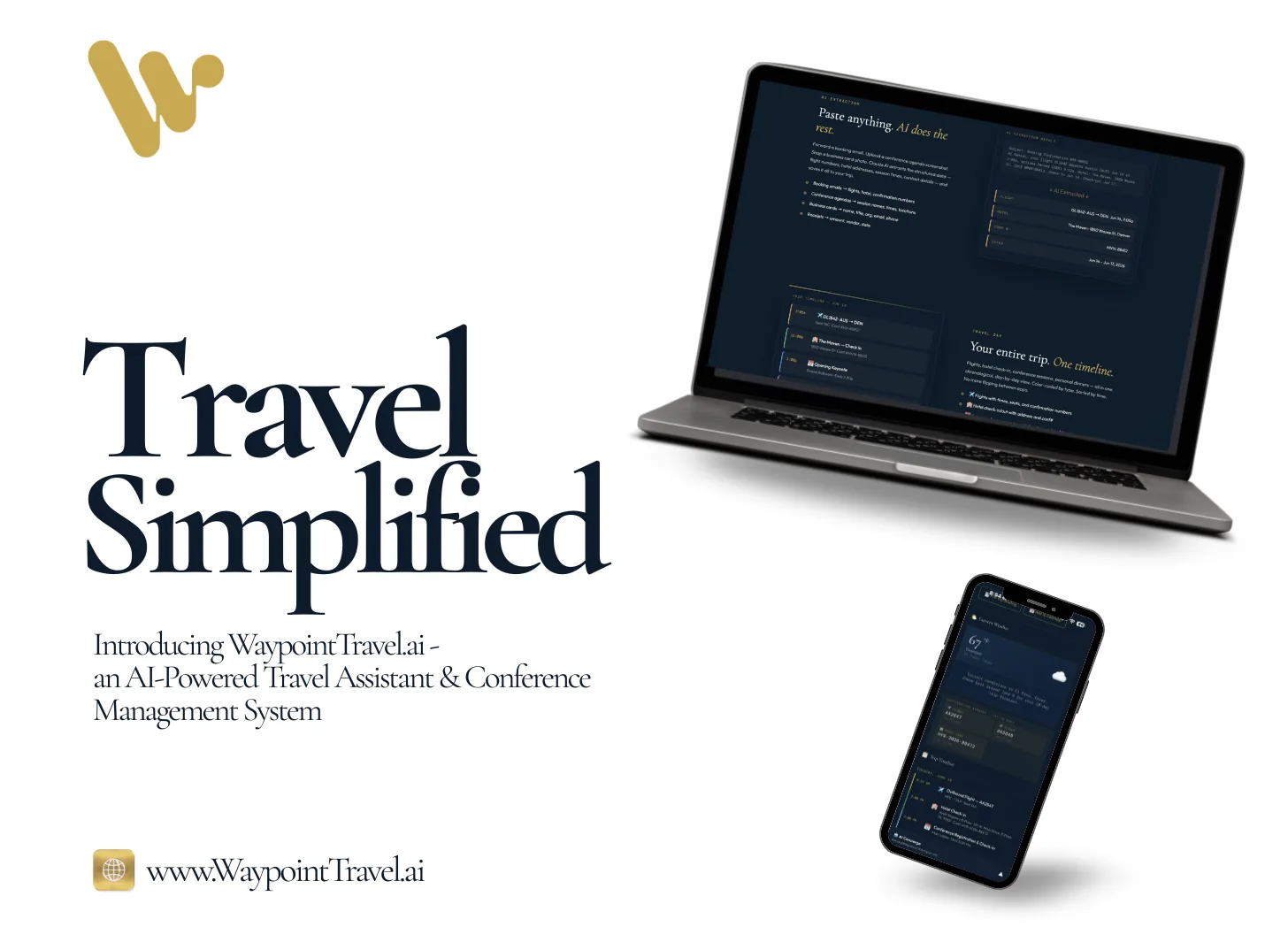
What came out of that is WaypointTravel.ai.
Waypoint takes everything that’s normally scattered—emails, confirmations, agendas, notes, screenshots, even business cards—and pulls it into one place. You don’t have to change how you work or learn a new system. You just drop things in, and it builds the trip for you. Flights, hotels, schedules, details, all structured in a way that actually makes sense when you need it.
One of the things I like most about it is that your data lives in your own Notion workspace. You’re not putting your information into another black box. You’re building your own system, and Waypoint is just organizing it for you.
This is the first time I’ve built something like this.
First real app. First time taking an idea that lived in my head and turning it into something I actually use every time I travel. And I didn’t do it the traditional way. I built it using AI, using tools I’ve been learning and experimenting with over the past few months.
That part still blows my mind a little bit.
Right now, I’m getting ready to open this up to a small group of people to test it on real trips. If you travel for work, go to conferences, and deal with the same friction I’ve been dealing with, you’ll probably recognize this immediately.
If that’s you, you can check it out here: https://waypointtravel.ai

Or just DM me and let me know what you think. I’m curious how other people are handling this right now.
For me, it got to a point where I kept thinking the same thing over and over again:
There has to be a better way to do this.
So I built one.
If this resonated, the newsletter is where it continues — one honest email at a time.