I Built a Brain That Never Forgets
Cool Shit I Built With AI, Part 2. I stopped trusting my memory and started trusting a system. Here is the exact setup.
I save things constantly and then I can’t find any of it.
That was my honest situation. My job is economic development in the Rio Grande Valley, which means I am supposed to know what is happening across an entire region. Data on websites. Reports in PDFs. Contacts buried in my email. My LinkedIn network. Notes from meetings that lived in my head and nowhere else.
I got tired of everything I did living in my brain. Because my brain leaks.
The old way almost worked
Like most people, I tried to fix this with prompting. Paste some context into a chat window, ask my question, hope for the best. But how long of a prompt do you have to write to get everything out of your head? You never finish.
So I stopped trying to carry the context to the AI. I built a place where the context lives, and pointed the AI at it.
What I built
Two tools. Both simple.
Obsidian is a free note-taking app. Under the hood, every note is just a plain text file in a folder on your computer. That detail matters more than it sounds, because AI can read plain text files better than anything else on earth.
Claude is the AI I pointed at that folder.
I started pulling everything I cared about into Obsidian. The economic data scattered across sites and reports. Things hidden in my emails. My network. Every piece became a note, and notes link to each other, so over time it stopped being a pile and started being a map.
Now I just ask a question. And it answers with the source.
That last part is the whole product. Not a summary that might be made up. An answer that points at the exact note it came from, so I can check it.
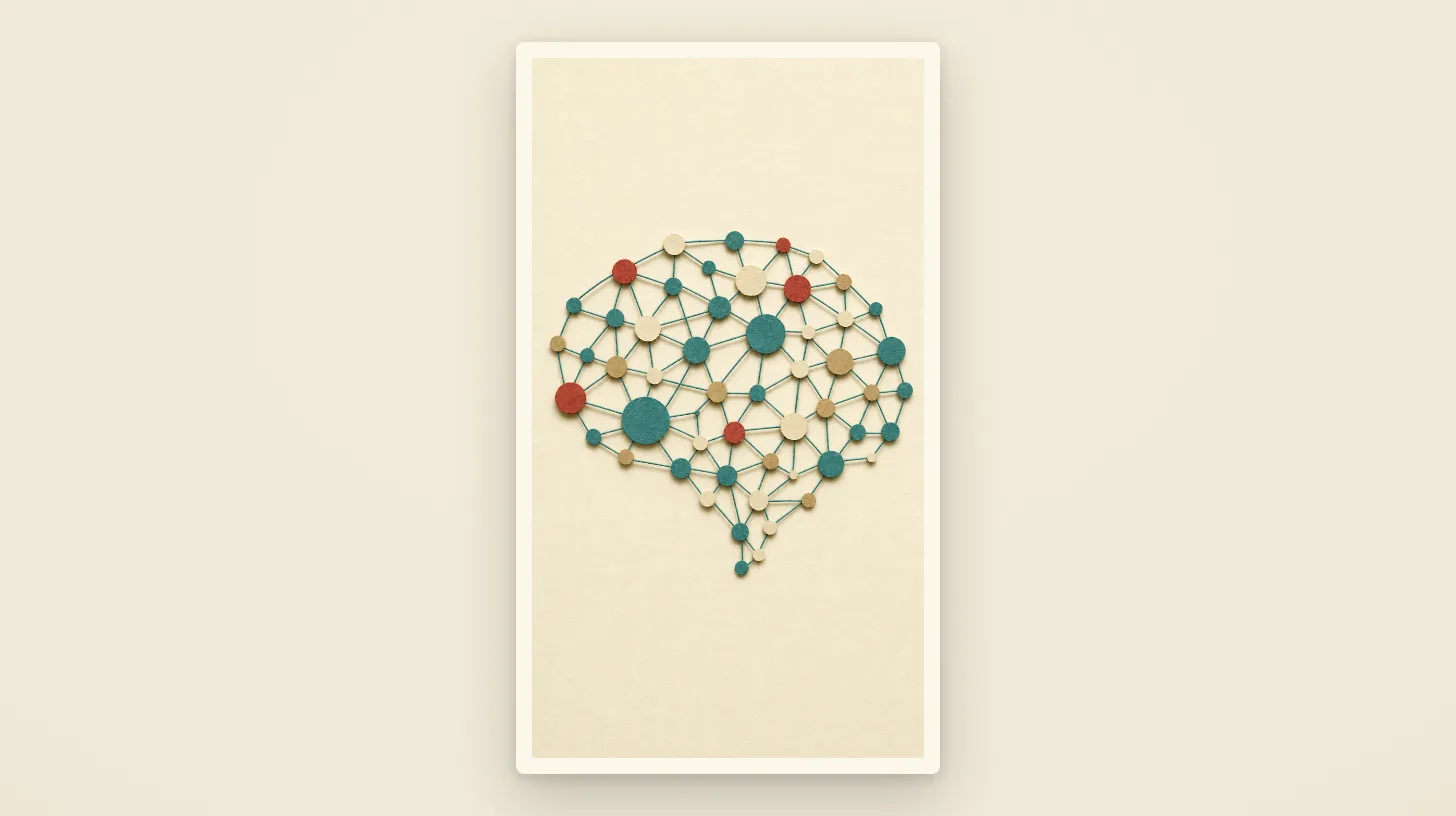
There is a moment in the video where I show my real Obsidian graph. The Rio Grande Valley node lights up and connects out to UTRGV, H-E-B, every city, every rep, everything I have collected. Every dot on that map is something I would have lost.
Steal it: the setup in four steps
-
Download Obsidian. It is free. Make one vault. Do not overthink the folder structure. A messy vault beats a perfect system you never start.
-
Dump, don’t organize. Every report, meeting note, contact detail, and idea goes in as its own note. Plain words. You are feeding a future brain, not writing a term paper.
-
Point Claude at the vault. The Claude app on your computer can read the folder your vault lives in. Tell it: this is my research, get to know it.
-
Ask questions like you would ask a person. What do we know about workforce programs in Hidalgo County? Who did I meet from that company? Ask, get the answer, and check the source it hands you.
The real lesson
I didn’t build anything fancy. I just stopped trusting my memory and started trusting the system. Anyone can do that now.
And this works for anything you are trying to keep track of. Clients. Recipes. A rental business. Your kids’ school stuff. If you collect it, the brain remembers it, and the AI can find it.
Steal this system. That’s the point of the series. What would you use AI to build for yourself? Tell me in the comments or replies and I’ll tell you where to start.
This is Part 2 of Cool Shit I Built With AI. Part 1, where AI filled my grocery cart, is the origin story. The video version is on Instagram, TikTok, and YouTube at @danielonpurpose.
If this resonated, the newsletter is where it continues — one honest email at a time.